Maintenance
Track service, repairs, completed work, and what your RV needs next.
Less paperwork. More open road. Organize maintenance, expenses, trips, inventory, receipts, documents, and the details that keep your home on wheels rolling.
One license for Windows + Android. Your personal key arrives separately, normally within 24 hours. Already have a key? Use it to activate; do not buy again.
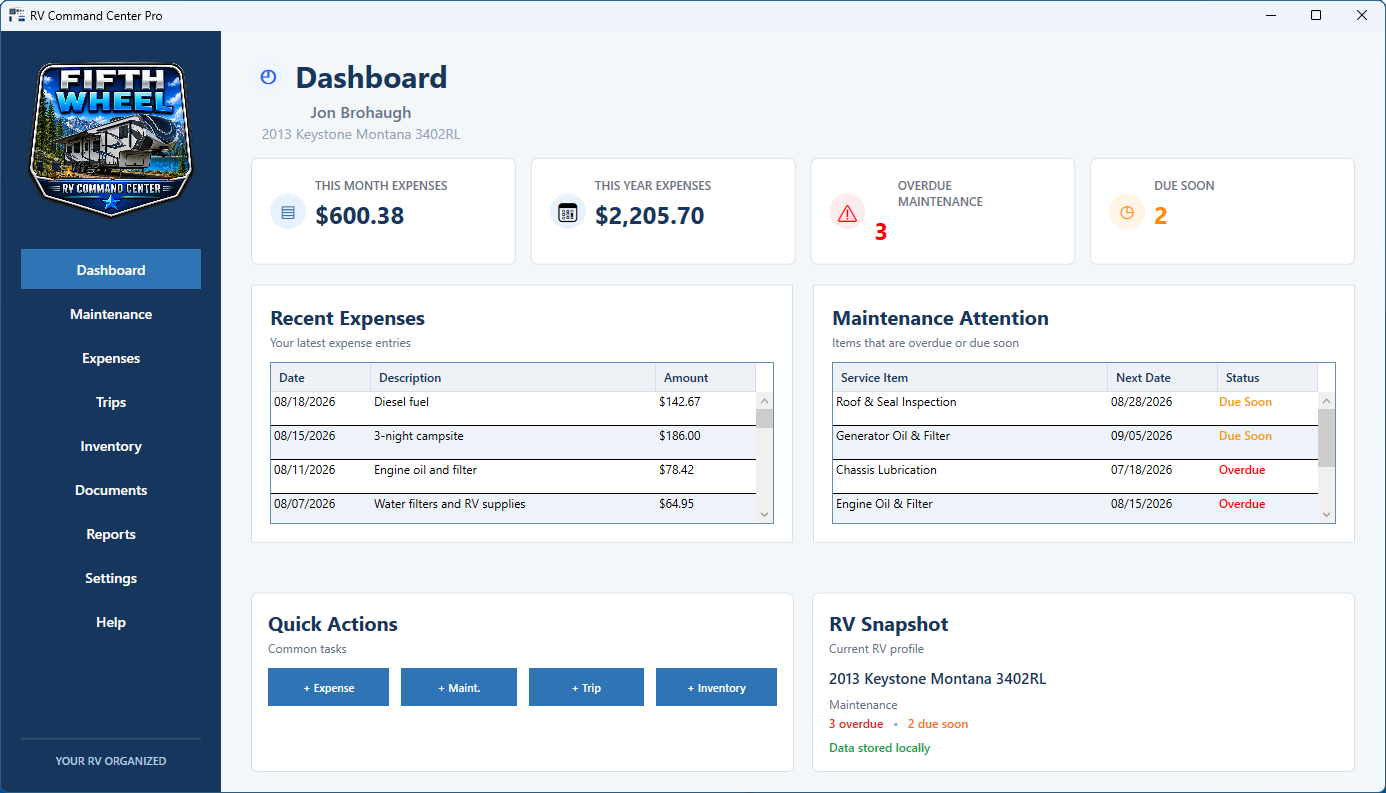
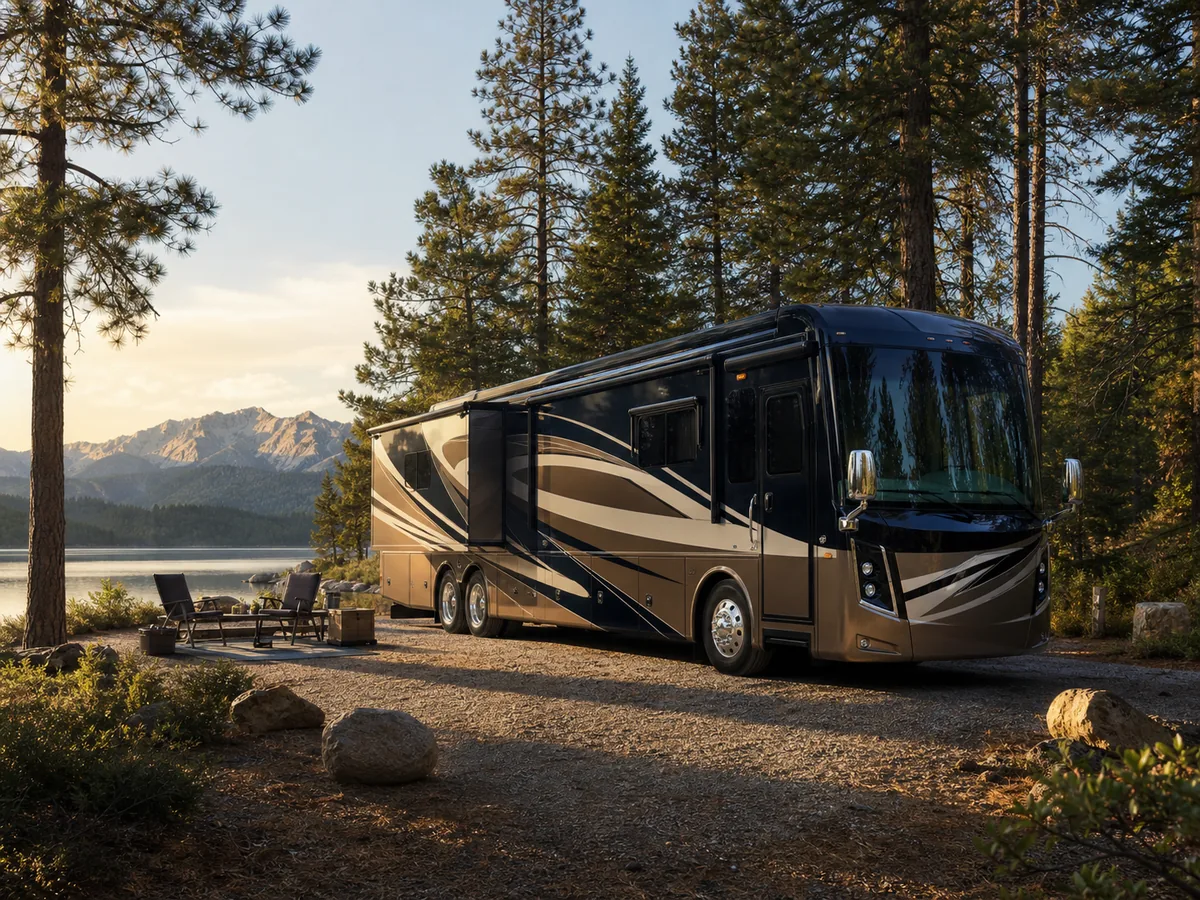
Choose your RV type in Settings and the program’s badge and scenery update to match.
 MORE TIME ENJOYING THE RV LIFE
Receipts in one drawer, maintenance notes in another, and trip details somewhere on your phone can get old fast. RV Command Center Pro gathers the practical side of RV ownership into one dependable basecamp without taking the adventure out of it.
A clear place for the records that help you care for your RV and understand the life you are building around it.
Track service, repairs, completed work, and what your RV needs next.
See the real cost of ownership, from fuel and campsites to upgrades.
Keep destinations, mileage, dates, and trip costs connected to your RV.
Document equipment, belongings, values, serial numbers, and details.
Keep receipts, manuals, warranties, policies, and important files organized.
Turn your records into clear summaries for service, planning, or review.
RV Command Center Pro is available on Windows and Android. The iPhone and iPad app is now in testing, with no release date announced yet.
Cloud peace of mind is included.Encrypted Cloud Backup protects one current backup up to 72 MB. Cross-Device Sync includes a separate 72 MB allowance for synchronized files per license. Both are included with no monthly subscription.
Choose a screen below, then enlarge it for a closer look. Every screenshot comes from the actual Windows app.
See upcoming maintenance, recent activity, key totals, and your RV at a glance.
You remembered the sewer hose. Where did you put that repair receipt?
I built RV Command Center Pro because the practical side of RV life deserves a little less digging through drawers. Maintenance, expenses, receipts, and the details of your rig belong somewhere you can find them.
Whether your RV is home full time or your favorite weekend escape, the goal is the same: spend less time chasing paperwork and more time enjoying where you parked.
Meet the idea behind the app →RV Digital WorksBuilt for the road ahead.
The app downloads are free. Your purchased license key unlocks full access on your permitted devices.
Etsy or Payhip: enter your original key in License & Activation. Google Play: use Restore Google Play Purchase with the purchasing Google account. Use the recovered key for Windows. Do not pay twice.
Download Windows from Microsoft Store ↗Download Android from Google Play ↗Need a hand? Email us for purchase or activation help.
One-time purchase • No subscription
Unified Windows and Android license key
Up to 2 Windows computers + 1 Android device
Encrypted cloud backup included at no extra charge
72 MB backup + separate 72 MB sync file allowance
Install from Google Play, then choose “Buy once with Google Play.” Your purchase also provides a Windows license key. Already bought on Etsy or Payhip? Enter your existing key instead.
Windows and Android are available now.
The iPhone and iPad app is now in testing; no release date yet.
Explore our free printable guide, maintenance checklists, and practical articles—or start with the complete RV record-keeping guide.
No. An Etsy or Payhip license is US$29.95 as a one-time purchase with no monthly subscription. Google Play shows its price before checkout; local currency and taxes may vary.
Yes. Every product screenshot shown here is an actual screen from RV Command Center Pro, not a mockup or concept image.
Your working records remain on your Windows computer or Android device. Encrypted Cloud Backup is optional and included at no extra charge. It stores one current encrypted backup up to 72 MB containing your records, receipts, photos, attached documents, settings, and other important app data. Cross-Device Sync has its own separate 72 MB synchronized-file storage allowance per license.
One standard purchase unlocks up to two Windows computers and one Android device, within the device allowance shown with your license. Etsy and Payhip purchases include a personal key delivered separately by email or Etsy Messages, normally within 24 hours. A Google Play purchase activates Android and displays the reusable Windows key inside the app.
No. Cloud Backup is a protected backup-and-restore system, not automatic live synchronization. Upload a current backup from one computer and restore it on the other. The app warns you before an older copy can overwrite a newer cloud backup.
It can help you organize inventory, receipts, expenses, maintenance history, and other supporting records. It does not provide insurance advice or guarantee coverage, reimbursement, or claim approval.
No. RV Command Center Pro supports a range of RV types, including fifth wheels, motorhomes, toy haulers, and travel trailers.
Buy your license on Etsy or Payhip, then download Windows from Microsoft Store or Android from Google Play and activate with your key. Android users can also choose Buy once with Google Play inside the app. Already purchased on Etsy or Payhip? Enter your original key. Purchased through Google Play? Restore using the same Google account and save the key shown in the app for Windows. Do not pay twice.